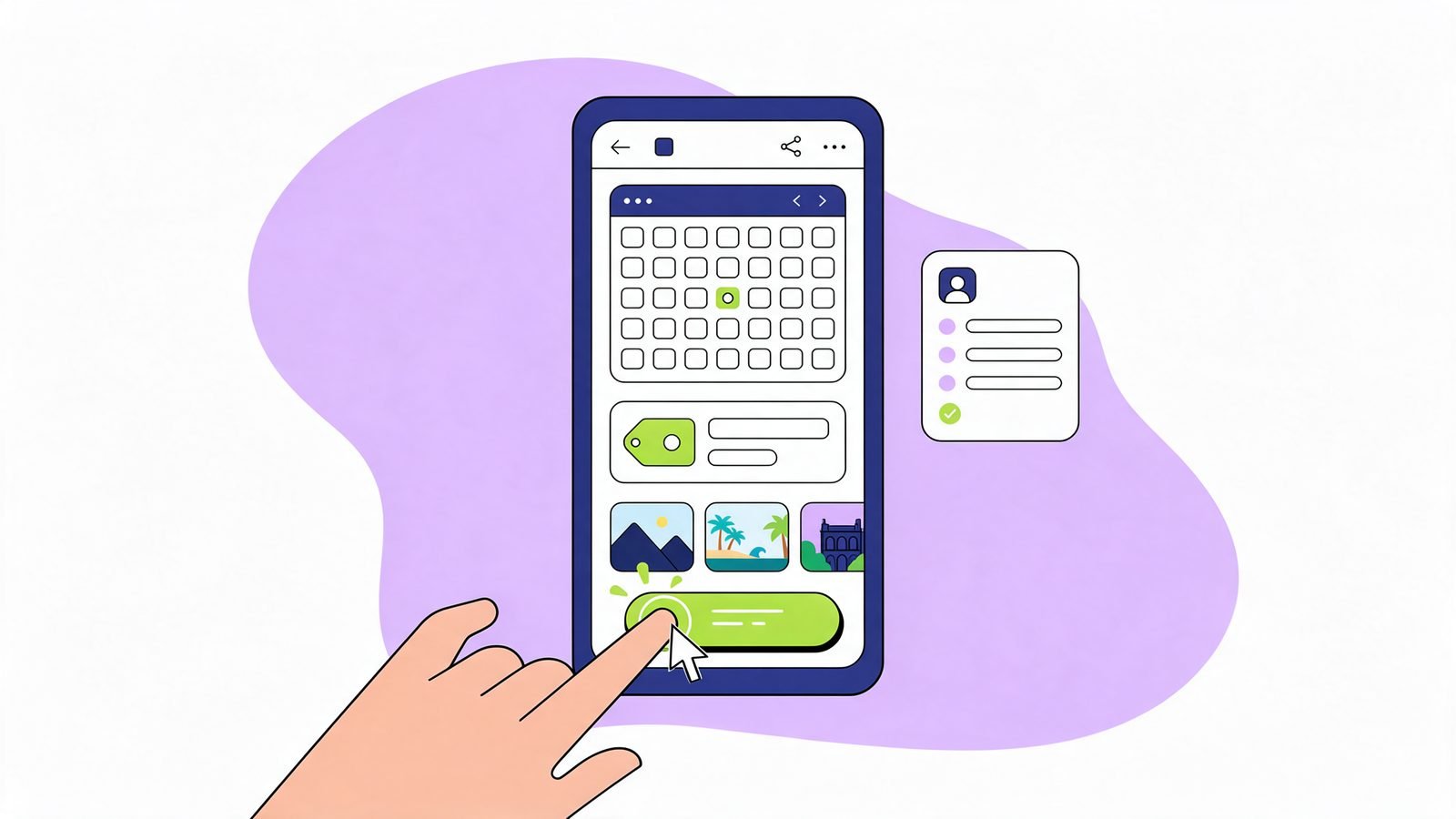
What AI summaries do well, and what they can't do
AI Overviews and AI Mode are good at general answers: what something is, how it works, the usual steps. If your page only gives that, the summary may be enough and the click doesn't happen.
What a summary can't do:
- Be specific to one business. Your prices, your hours, your availability this week.
- Take an action. Book, buy, call, get a quote.
- Prove trust locally. Your reviews, your photos, your team, your address.
- Work with someone's own details. A calculator, a checker, a quiz.
- Show the thing. Photos of your work, a video, a floor plan, a menu.
Click-worthy pages lead with these.
1. Price for their situation, not a general range
A summary can say "tiling costs vary". Your page can say what you charge and what changes it.
- Give a range per common case: "Bathroom floor, up to 40 sq ft: ₹12,000 to ₹18,000 including tiles."
- List what pushes the price up or down.
- Add "Get an exact quote" with a short form or WhatsApp link.
Even if you can't publish exact prices, a clear range with the factors is something people click for.
2. Make the next step one tap
Put the action where the answer is, not only in the footer:
- A Book now, Call or WhatsApp button right under your opening answer.
- Opening hours and "open now" near the top.
- For shops: stock, delivery areas and pick-up times.
On a phone, a page that answers and then lets someone act straight away is worth the click.
3. Local proof a summary can't show
- Two or three real reviews with permission, ideally mentioning the service on that page.
- Photos of your actual work, team and premises, not stock images.
- The areas you serve, by name, and how long it takes to reach them.
- Real credentials: registrations, memberships, years in business.
Check your profession's rules first. For example, India's NMC guidelines limit how doctors use testimonials and before-and-after photos, and the ICAI restricts what chartered accountants can show on their websites.
4. A tool that works with their own details
Small tools are one of the strongest reasons to click, because the answer depends on the visitor's own numbers:
- A cost calculator: area, material, number of rooms.
- A checker: "Is my AC due for a service?", "Which documents do I need for GST registration?"
- A booking slot finder.
They don't need to be complex. A simple form that gives a personal result beats a paragraph of general advice. That's why we built our own free checks: people use them because the result is about their site.
5. Answer the next question
People who search "what is a home loan processing fee" will next ask "how much will mine be" and "which documents do I need". The summary handles the first. Your page should own the next two.
For each important page, write the three questions a customer asks after the obvious one, and answer them with your specifics. These follow-up questions are often more specific, closer to a decision and less likely to be fully answered on the results page.
6. Show it, don't just describe it
Some things need to be seen:
- Photos of finished work, with a line on what was done.
- A short video of the process or the premises.
- A menu, price list or catalogue that's easy to read on a phone.
- A map or directions.
Name your images properly and add alt text describing what's in them. It helps image search and accessibility.
How to choose which pages to fix first
Use Google Search Console. Compare the last three months with the three before, open the Pages tab and look for pages where impressions held steady but clicks fell. That pattern suggests people still see you but get their answer on Google's page. Those are the pages to make click-worthy first. Our traffic-drop guide walks through it.
Then measure what matters: calls, form fills, bookings and WhatsApp messages from those pages, not just visits.
An example
Questions
[[faq:[["Should I stop writing 'what is' content?", "No. It still helps you get cited as a source and builds trust. Just don't make it the whole page. Add your specifics and a next step."], ["Can I block Google from using my page in AI Overviews?", "Controls like nosnippet limit what's shown in AI features, but they also limit your normal search result. For most businesses it's a poor trade."], ["Do tools really need a developer?", "Simple ones don't. Many website builders have form and calculator blocks. Start with a quote form that asks three questions."], ["Will this bring back my lost traffic?", "Not all of it, and not every page. The aim is more of the clicks that turn into customers, from people who need what only your page offers."], ["Is this AEO or SEO?", "Both. You still want to be the cited source (AEO), and you want the page to earn the visit (SEO and conversion)."]]]
About the author
Praveen Kumar, Founder, Vectura Digital
Praveen Kumar is the founder of Vectura Digital, which builds SEARCH ONE, a website audit for SEO, AEO and GEO, and GMB ONE, a Google Business Profile audit. He works with small businesses in India and the US on how search engines and AI assistants read and recommend them.