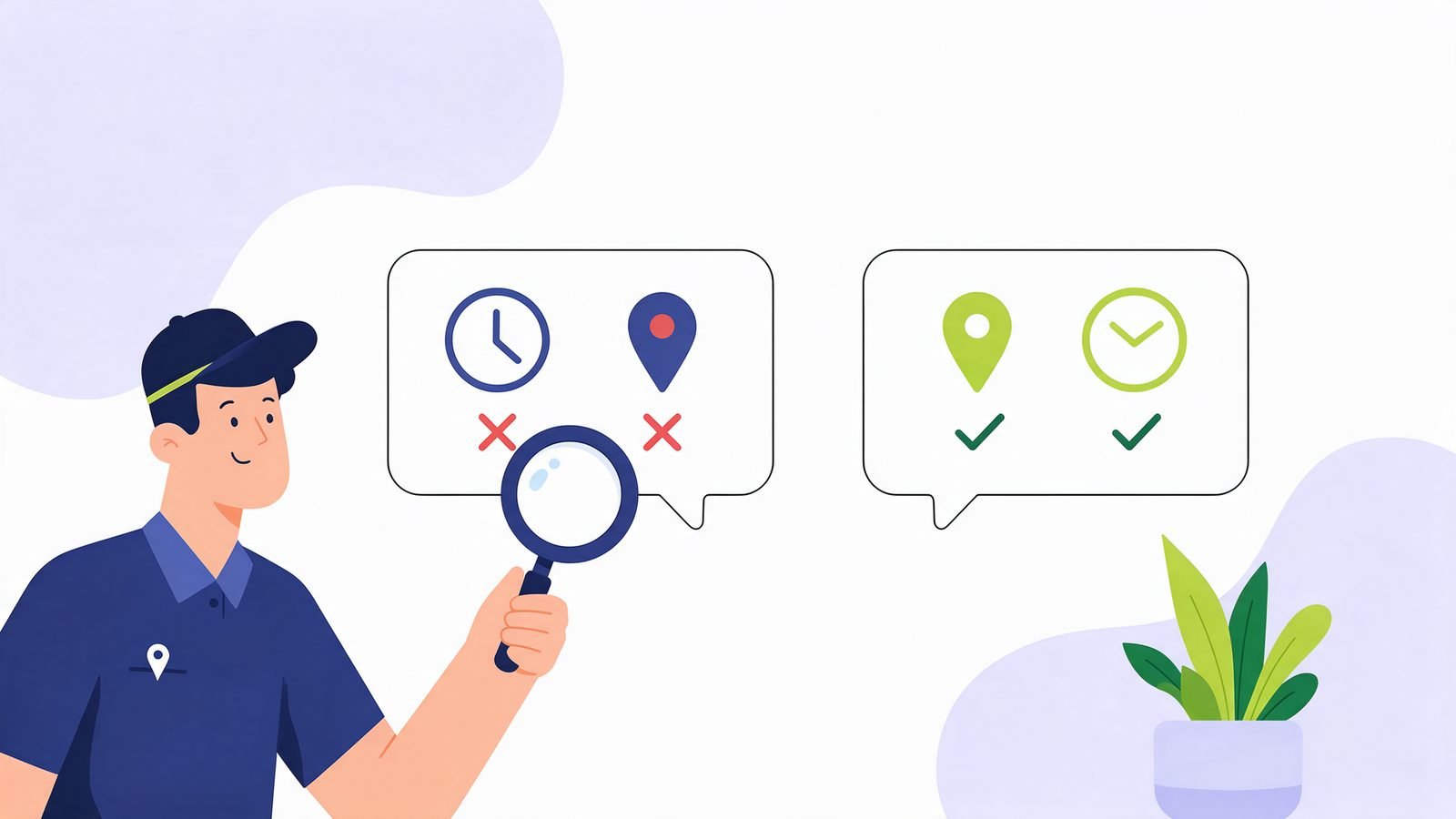
Why AI assistants get businesses wrong
An AI assistant answering "what time does Sunrise Dental open?" doesn't call the clinic. It looks up what's published about it and summarises. When those sources disagree or are out of date, the answer is wrong. The usual culprits:
- Your own website is out of date. An old contact page, a footer with last year's phone number, or a forgotten branch page that still says "open".
- Two Google Business Profiles. One from the old address, one from the new. AI may take details from either.
- Old directory listings. Justdial, Sulekha, Yelp or Yellow Pages entries created years ago, often by someone else.
- A business with a similar name. "Vectra" and "Vectura", or two "Sharma Sweets" in the same city, get blended into one answer.
- Reviews and news that mention old details. A 2022 review saying "open till 10" can outlive the change.
So the job isn't to argue with the AI. It's to make every source say the same, correct thing.
Step 1: Find out exactly what's wrong, and where it came from
Ask the assistant directly and ask for its sources. For example:
- "What are the opening hours and address of [business name] in [area]? Show the sources you used."
- "What does [business name] charge for [service]? Where did you find that?"
- "Is [business name] still open?"
Perplexity and ChatGPT search usually list the pages they used, and Google's AI Overviews show links under the answer. Write down each wrong detail and the page it came from. That list is your to-do list.
If no source is shown, ask again with your city or postal code added. OpenAI's own help page suggests exactly this when local results look wrong.
Step 2: Fix your own website first
Your website is the one source you fully control, and assistants treat it as the business speaking for itself. Check:
- The contact page, footer and About page all show the same name, address, phone and hours.
- Old branch pages, offers and price lists are updated or removed, not just hidden from the menu.
- Your business details are in your page code as structured data (LocalBusiness or Organization), matching what the page shows. Our free schema checker shows what's there.
- AI search crawlers can read the site. If OAI-SearchBot is blocked, ChatGPT search can't see your corrections. Check with the AI crawler checker.
Step 3: Fix the big listings: Google, Bing and Apple
These three feed maps, search results and AI answers, so fix them before anything else off your site.
- Google Business Profile. Update hours (including special hours for holidays), address, phone, website and categories. If there's a duplicate profile for an old address, ask Google to mark it closed or merge it. This is what Google Search, Maps, AI Overviews and AI Mode lean on for local details.
- Bing Places for Business. Many owners never claim it. OpenAI's help page says ChatGPT search works with other search providers, and names Microsoft among them, so a wrong Bing listing can end up in ChatGPT answers. Bing Places can import your Google profile, then you check the details.
- Apple Business Connect. Used by Apple Maps and Siri. Worth ten minutes if your customers use iPhones.
Use exactly the same name, address and phone on all three. Small differences, like "Shop 4" on one and "No. 4" on another, make you look like two businesses.
Step 4: Clean up old directories and lookalikes
Now work through the pages from your Step 1 list.
- Directories you can log into: update them.
- Directories you can't log into: use their "claim this business" or "report incorrect information" option. Most have one.
- Closed branches: mark them permanently closed rather than deleting them, so assistants learn they're closed.
- A similar-named business: you can't change their pages, but you can make yours unmistakable. Use your full name and area consistently ("Sunrise Dental Clinic, Kothrud, Pune"), and link your website to your official profiles so search engines can connect them. Our entity SEO guide explains how.
Step 5: Report the wrong answer
Once the sources are fixed, tell the assistant. It won't fix the answer on its own, but it helps.
- Google AI Overviews: at the bottom of the overview, click the thumbs down, then Report a problem, choose the closest reason and add a short note with the correct detail. Google's help page says the report includes your search and its results.
- ChatGPT, Gemini and Perplexity: use the thumbs down under the wrong answer and say what's wrong.
Don't send the same report over and over, and don't create fake reviews or pages to drown out the mistake. That breaks Google's spam policies and can make things worse.
Step 6: Give it time, then check again
There's no fixed timeline. Google says recrawling a page can take from several days to several months, and AI tools refresh their sources at different speeds. A practical rhythm:
- Make all the fixes in one go.
- Ask the same questions from Step 1 again after two weeks, then after a month.
- If one wrong detail keeps coming back, look for the page it's coming from. There's almost always one you missed.
To see whether AI names you at all, not just what it says, try our free "Does AI name my business?" check.
An example of how this plays out
Most cases look like this: one or two forgotten sources, not a mysterious AI problem.
Questions
[[faq:[["Can I contact OpenAI or Google to correct an answer about my business?", "There isn't a form that lets you set the answer directly. You can report a wrong answer with the thumbs down in each assistant, and for Google AI Overviews choose Report a problem. The lasting fix is correcting the pages and listings the AI reads."], ["How long until ChatGPT shows the right details?", "Nobody publishes a timeline. It depends on when the assistant next reads the corrected pages. Fix every source at once, then check again after two weeks and after a month."], ["Will adding schema markup fix it?", "It helps machines read your details correctly, but only if it matches your page and your listings. Schema with the old phone number makes things worse."], ["Should I block AI crawlers to stop wrong answers?", "No. Blocking AI search crawlers stops them reading your corrections too. You'd be leaving the old, wrong sources as the only ones they can see."], ["What if the wrong details come from a competitor's page?", "If they're using your name or details deceptively, report the page to the platform it's on. If it's just a similar name, make your own details unmistakable and consistent everywhere."]]]
About the author
Praveen Kumar, Founder, Vectura Digital
Praveen Kumar is the founder of Vectura Digital, which builds SEARCH ONE, a website audit for SEO, AEO and GEO, and GMB ONE, a Google Business Profile audit. He works with small businesses in India and the US on how search engines and AI assistants read and recommend them.